Pawse

Apps off during class, emergency calls still on. A schoolwide phone policy that runs in the background.
problem
Schools have phones. Phones win.
Districts try the obvious things: ban them, collect them in pouches, write policies. None of it survives contact with a thousand teenagers and a single distracted teacher. But phones in classrooms aren’t only a focus problem, they’re a safety expectation. Confiscating a kid’s device for the day means a parent who can’t reach them in an emergency. Any workable solution has to thread that needle: silent during class, available the moment something goes wrong.
mechanic
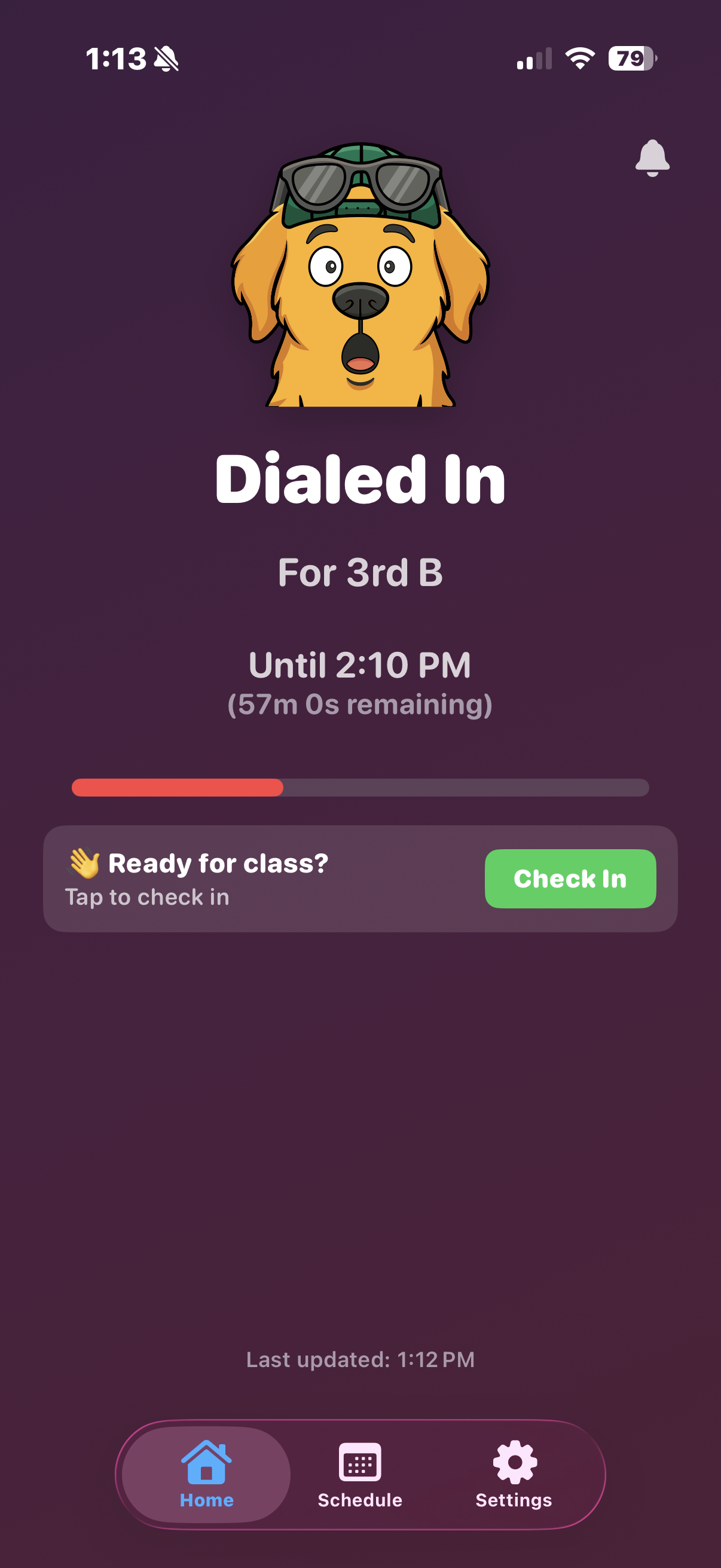
A student installs the app once, enrolls via a code, and from there the phone enforces the day’s schedule on its own. When a class period starts, distracting apps gray out and present a custom shield screen. When the period ends, they come back. Through all of it, the dialer and 911 stay reachable.
architecture
The iOS app is a SwiftUI client riding on top of Apple’s restriction APIs. Several background extensions coordinate to handle period transitions, app blocking, and the custom shield screen students see when they open a blocked app during class. A lock-screen surface keeps the current period and time remaining in view.
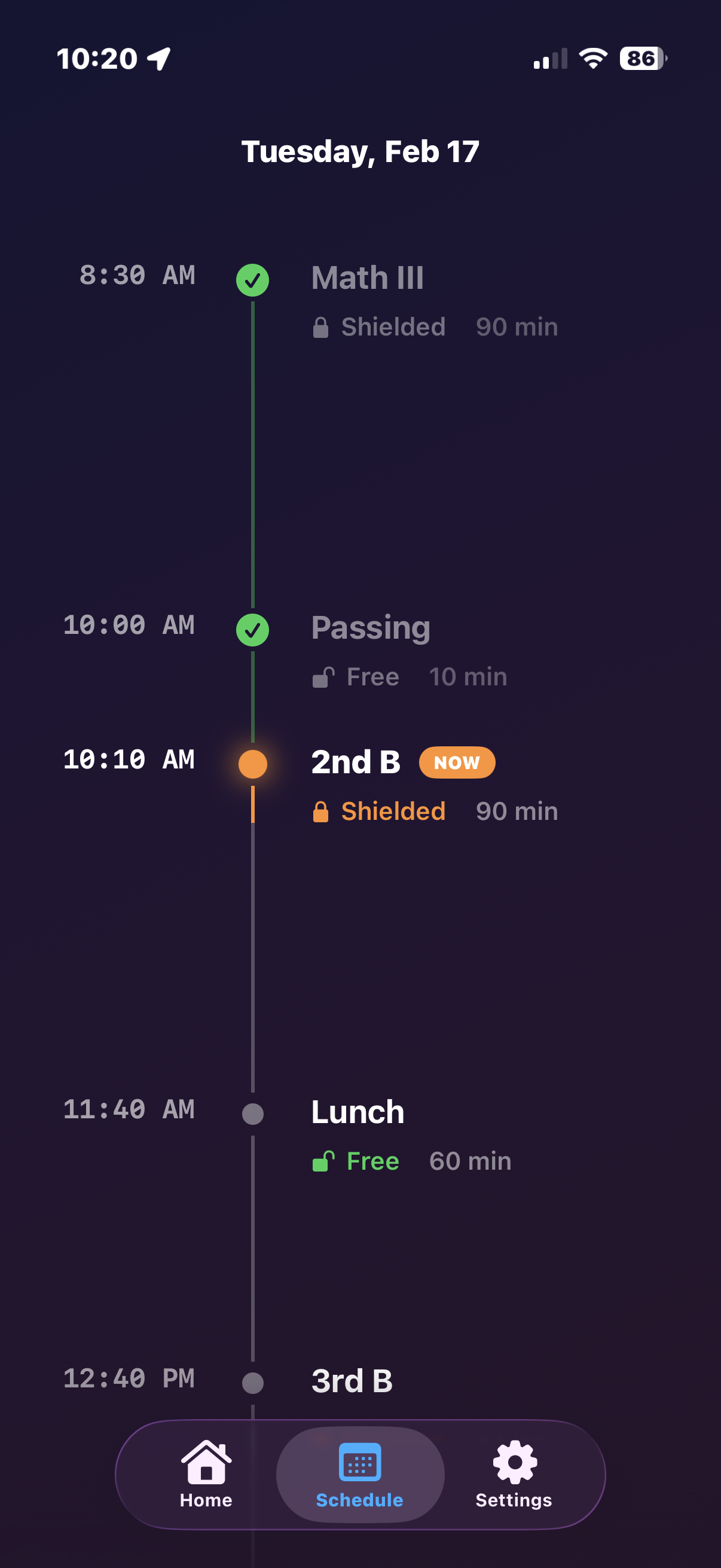
iOS 17 and above only, since the underlying frameworks weren’t available to third parties before then.
operational shape
The hard parts weren’t the APIs, they were the edges. What happens when a student’s phone misses a period boundary because it’s in airplane mode. How a policy update lands mid-period without leaving a device in a weird state. How emergency communication is guaranteed never to be caught in a shield. Each of those got its own slice of the system.
Pawse is not yet released for public use. For more information, visit pawseapp.com.